Overview
Configure connects your users’ apps, and any agent they use like ChatGPT, Claude, and Gemini, to your agent. Use it on RunBerth through the Configure MCP App, SDK, or REST API in less than 3 minutes.
Copy to your coding agent
Read and use: https://configure.dev/configure-maritime-skill.md
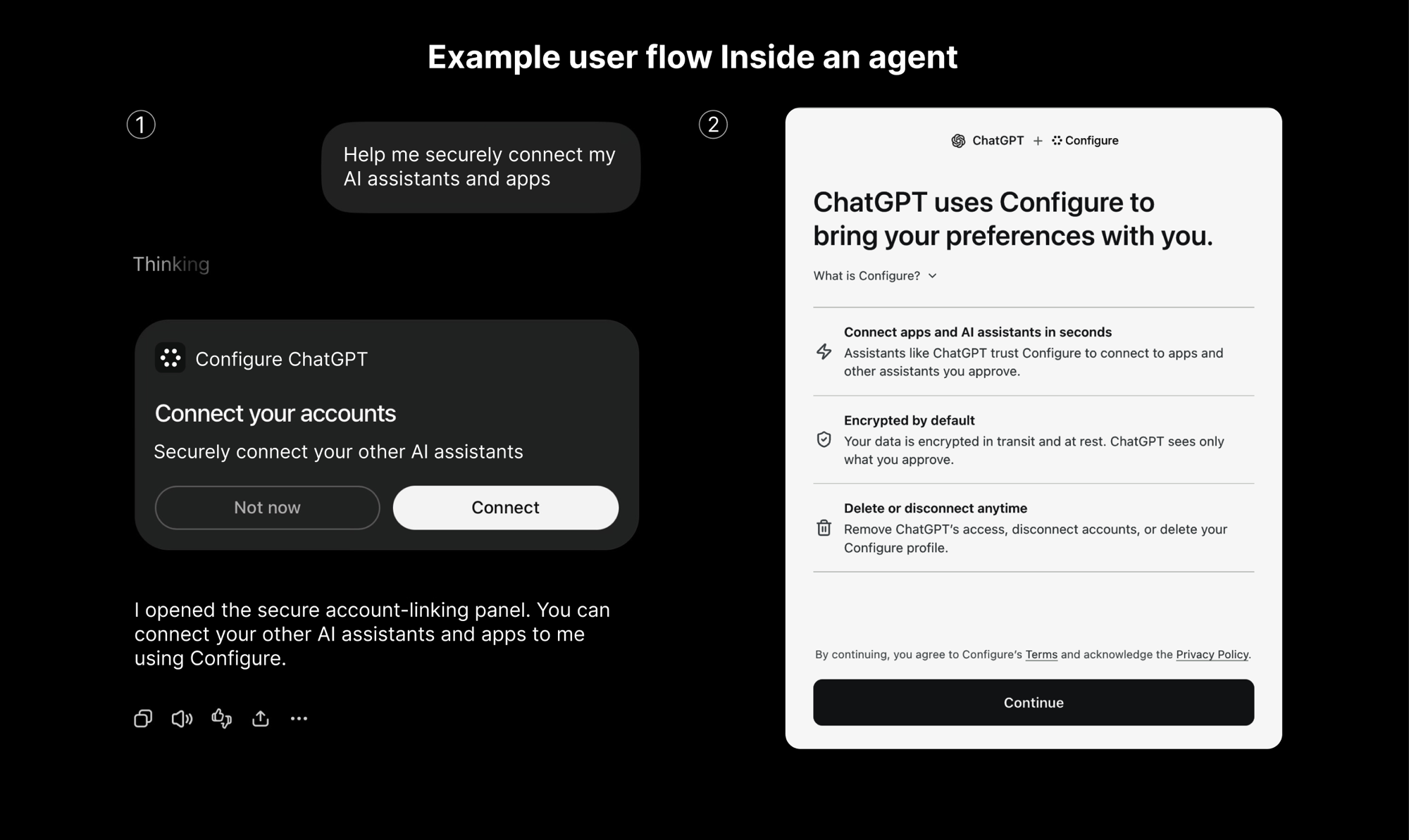
It fits RunBerth naturally. Each of your customers gets an isolated agent, and Configure makes that agent recognize them from day one. Install adds your Configure credentials to the agent as encrypted environment variables, and the agent reads profiles at runtime through the Configure SDK or REST API. Secret keys stay inside the VM.
The free tier covers 1,000 profile reads a month, enough to run it on a live agent. Install provisions your Configure account and connects an agent in one click.
New to RunBerth?
RunBerth gives every AI agent its own computer: agent boxes that sleep when idle and wake on the next message, sandboxes, and Linux and Windows desktops and Android phones on demand. Deploy an agent in minutes, then wire in Configure.