ZeroClaw Guide
ZeroClaw is a single-binary Rust agent that starts in under a second, and RunBerth runs its official image as a managed agent.
Overview
ZeroClaw is a single Rust binary that exposes a gateway plus an OpenAI-compatible chat API. It uses a fraction of the memory of Node.js-based agents (typically <5 MB resident) and starts in under a second, which makes it a good pick for running many agents at once.
Docker Image
Image: ghcr.io/zeroclaw-labs/zeroclaw:v0.8.5-debian
Debian-based runtime, gateway on port 42617, HOME is /zeroclaw-data.
How It Works
RunBerth configures the daemon through its native ZEROCLAW_* environment variables, never by editing config.toml. The daemon (a) binds 0.0.0.0 with allow_public_bind = true, (b) has device pairing disabled so the RunBerth proxy can connect directly, and (c) runs with full autonomy: the command allowlist, approval prompts, workspace confinement and hourly action cap are off, because the micro-VM is the sandbox. Set any ZEROCLAW_* variable on the agent to override one setting. The WebSocket sub-protocol is zeroclaw.v1.
# The container runs with:
ZEROCLAW_HEADLESS=true
ZEROCLAW_ALLOW_PUBLIC_BIND=true
ZEROCLAW_GATEWAY_PORT=42617
ZEROCLAW_GATEWAY_PASSWORD=<auto-generated>
ZEROCLAW_WORKSPACE=/zeroclaw-data/workspace
Environment Variables
ZeroClaw uses an OpenAI-compatible provider. If you don't supply OPENAI_API_KEY /ANTHROPIC_API_KEY, RunBerth injects a per-agent proxy token pointed at https://api.runberth.com/api/llm/v1.
Deploy
In the dashboard, open New agent and pick the ZeroClaw Agent template, or:
runberth create my-agent --template zeroclawTalk to it
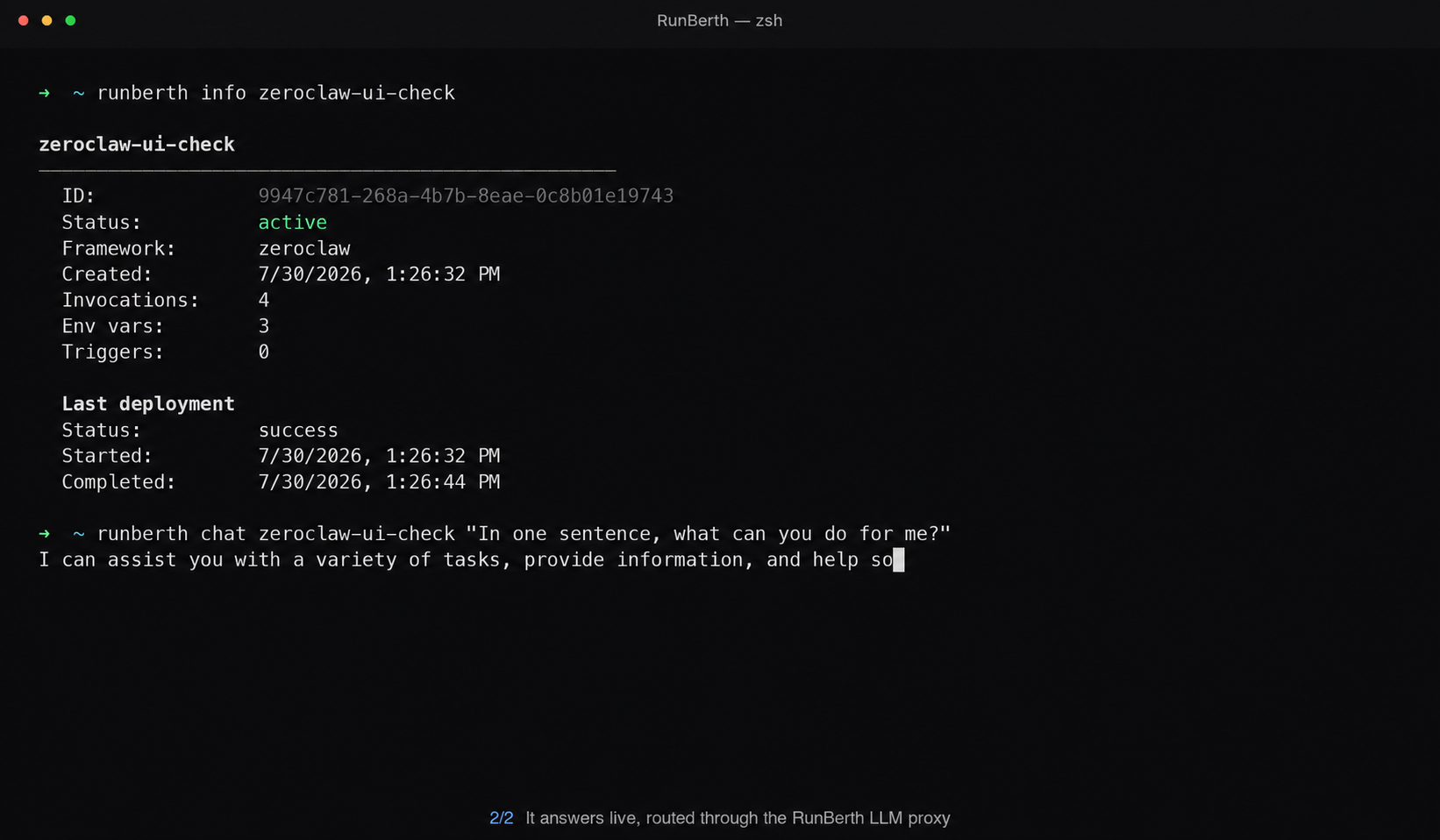
Chat from the terminal. The reply is a real model response, routed through the RunBerth LLM proxy:
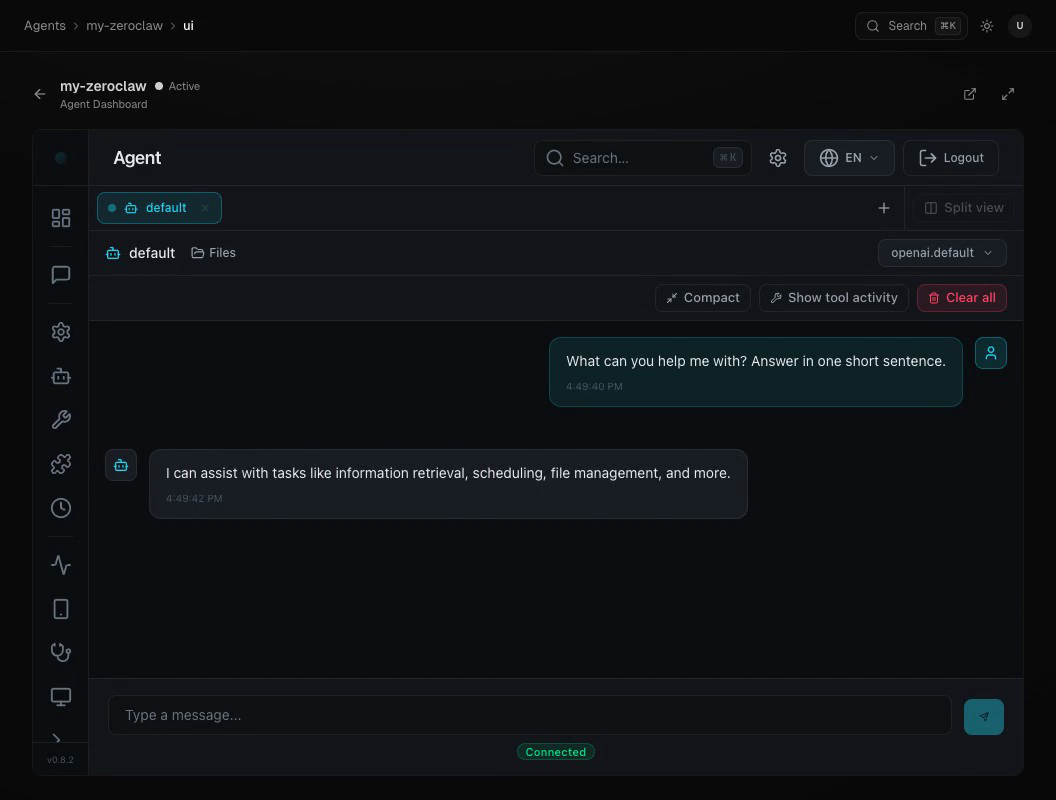
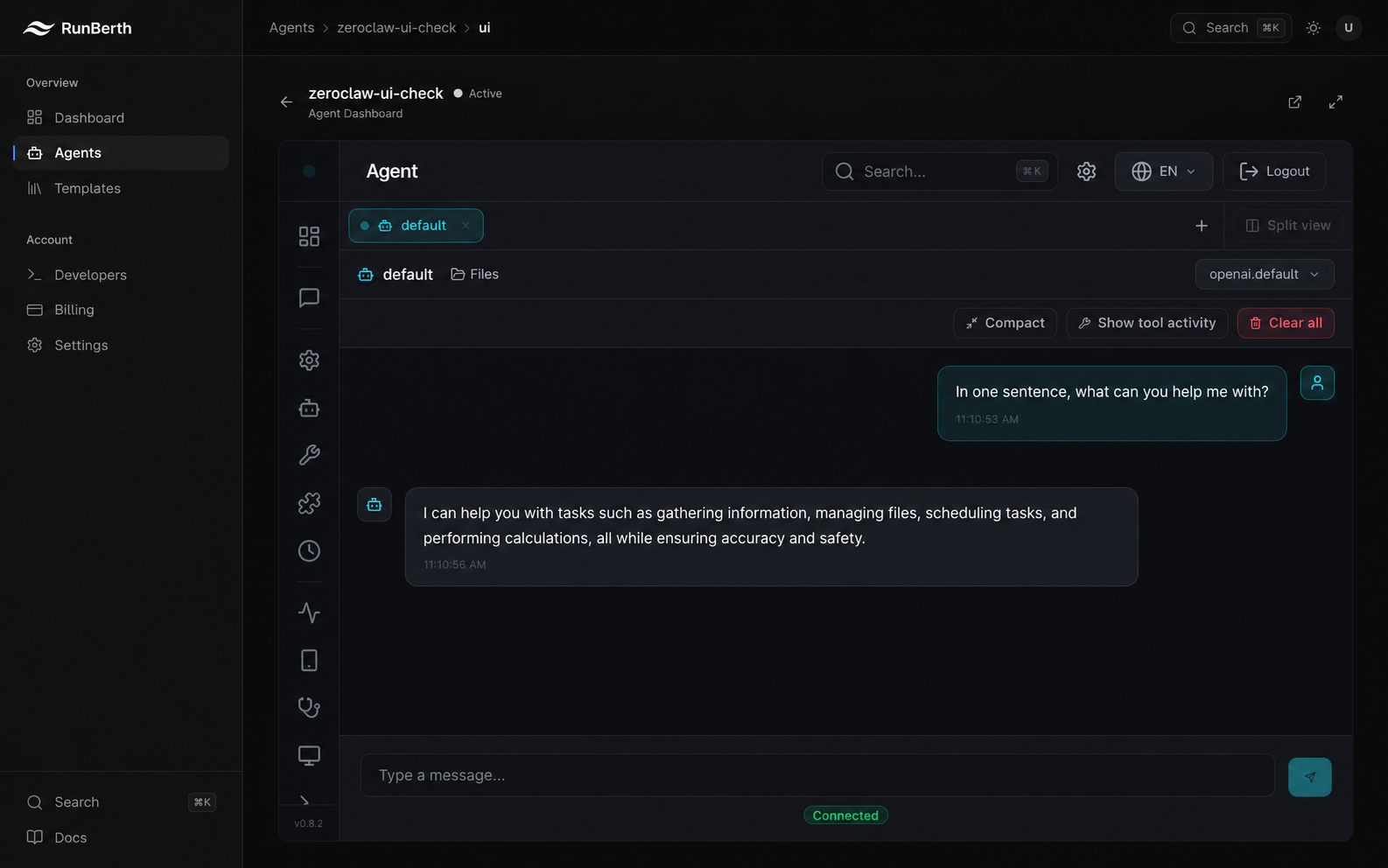
Or open the agent in the dashboard and click ZeroClaw Dashboard to load ZeroClaw's own web UI, then chat there. Same agent, same reply, no terminal required:
Upstream links & resources
- zeroclaw-labs/zeroclaw: the source repository. ZeroClaw has no separate docs site; the README and repo docs are the authoritative reference for its config file (
config.toml), providers, and gateway protocol. - ghcr.io/zeroclaw-labs/zeroclaw: the exact container image RunBerth deploys (the
debiantag), with all published variants.